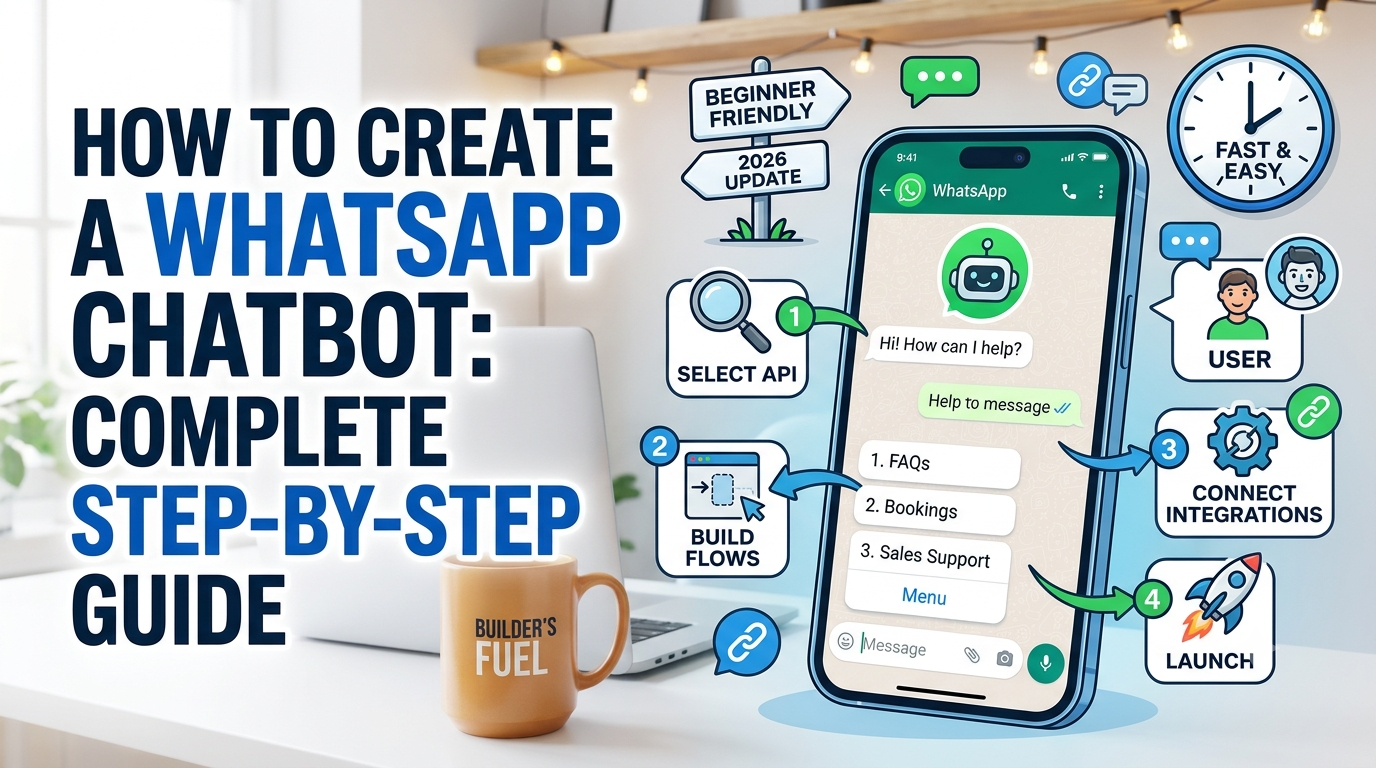
How to Create a WhatsApp Chatbot: A Complete Guide
A WhatsApp chatbot is an automated conversational tool that responds to customer messages on WhatsApp in real time. With over 2 billion active users worldwide, WhatsApp is the most popular messaging platform globally. Creating a chatbot on WhatsApp allows businesses to provide instant customer support, qualify leads, process orders, and engage audiences around the clock without manual intervention.
This guide walks you through every step of creating a WhatsApp chatbot, from choosing the right platform to deploying your first automated conversation flow.
Understanding the WhatsApp Business API
The foundation of any WhatsApp chatbot is the WhatsApp Business API. Unlike the free WhatsApp Business app, the API is built for businesses that need to handle high message volumes and integrate chatbots into their existing systems.
To access the WhatsApp Business API, you need to work through an official Business Solution Provider (BSP) or use the Meta Cloud API directly. Popular BSPs include Twilio, MessageBird, Gupshup, and Wati.
Key Requirements
- A verified Meta Business account
- A WhatsApp Business API number
- A registered business with valid documentation
- A BSP account or Meta Cloud API access
- A hosting environment for your chatbot logic
Step 1: Set Up Your WhatsApp Business API Account
Begin by creating a Meta Business account at business.facebook.com. Verify your business by submitting your official registration documents. Once verified, apply for WhatsApp Business API access through your chosen BSP or directly through the Meta developer portal.
- Register your business with Meta
- Verify your business identity and documentation
- Create a WhatsApp Business API phone number
- Configure your display name and business profile
- Set up two-factor authentication for security
Step 2: Choose Your Chatbot Building Approach
No-Code Platforms
No-code chatbot builders like Urlzy, Wati, and Chatfuel allow you to create chatbots using visual drag-and-drop interfaces. You design conversation flows by connecting message blocks, adding conditions, and setting triggers.
Low-Code Frameworks
Platforms like Twilio Studio and ManyChat provide visual builders with the option to add custom code for advanced logic.
Custom Development
Building a chatbot from scratch using the WhatsApp Business API gives you complete control over webhook configurations, message templates, natural language processing, and database integrations.
Step 3: Design Your Conversation Flows
Before writing any code, plan your chatbot conversations. Identify the primary use cases your chatbot will handle:
- Customer Support: Answering FAQs, routing complex issues, and providing order status updates
- Lead Generation: Qualifying prospects, collecting contact information, and scheduling demos
- E-commerce: Product recommendations, order placement, and delivery tracking
- Appointment Booking: Scheduling, rescheduling, and sending reminders
Step 4: Create Message Templates
WhatsApp requires pre-approved message templates for initiating conversations with users. Keep messages concise, use placeholder variables like {{1}} for personalization, and submit templates for Meta approval before using them.
Step 5: Build and Integrate the Chatbot
For custom development, set up webhook endpoints to receive incoming messages, implement message parsing and intent recognition, build response logic for each conversation branch, and integrate with your CRM or database.
Step 6: Test Thoroughly
Test all entry points, verify responses, check fallback behavior, test handoff to human agents, validate integrations, and test on both Android and iOS devices before launching.
Step 7: Launch and Monitor
Deploy your chatbot and promote it using short links for easy tracking. Monitor response accuracy, conversation completion rates, and customer satisfaction scores.
Frequently Asked Questions
How much does it cost to create a WhatsApp chatbot?
No-code platforms start at around $40 to $100 per month. Custom development ranges from a few thousand to tens of thousands of dollars depending on complexity.
Do I need coding skills to build a WhatsApp chatbot?
No. No-code platforms let you build chatbots visually. Custom development requires programming knowledge.
How long does it take to build a WhatsApp chatbot?
A simple FAQ chatbot on a no-code platform can be built in hours. Complex bots take 2 to 6 weeks to develop and test.

No comments yet. Be the first to share your thoughts!